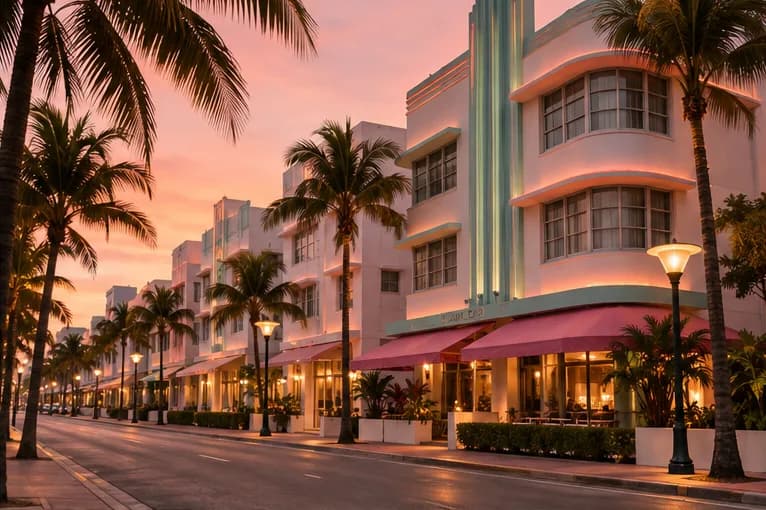
Your GTA VI launch-day checklist
Check your console, confirm your download, and get a spoiler-light head start on launch day.
Prepare for your first session, practice with the demo map, and build a checklist you can keep beside the game.
Check your console, confirm your download, and get a spoiler-light head start on launch day.
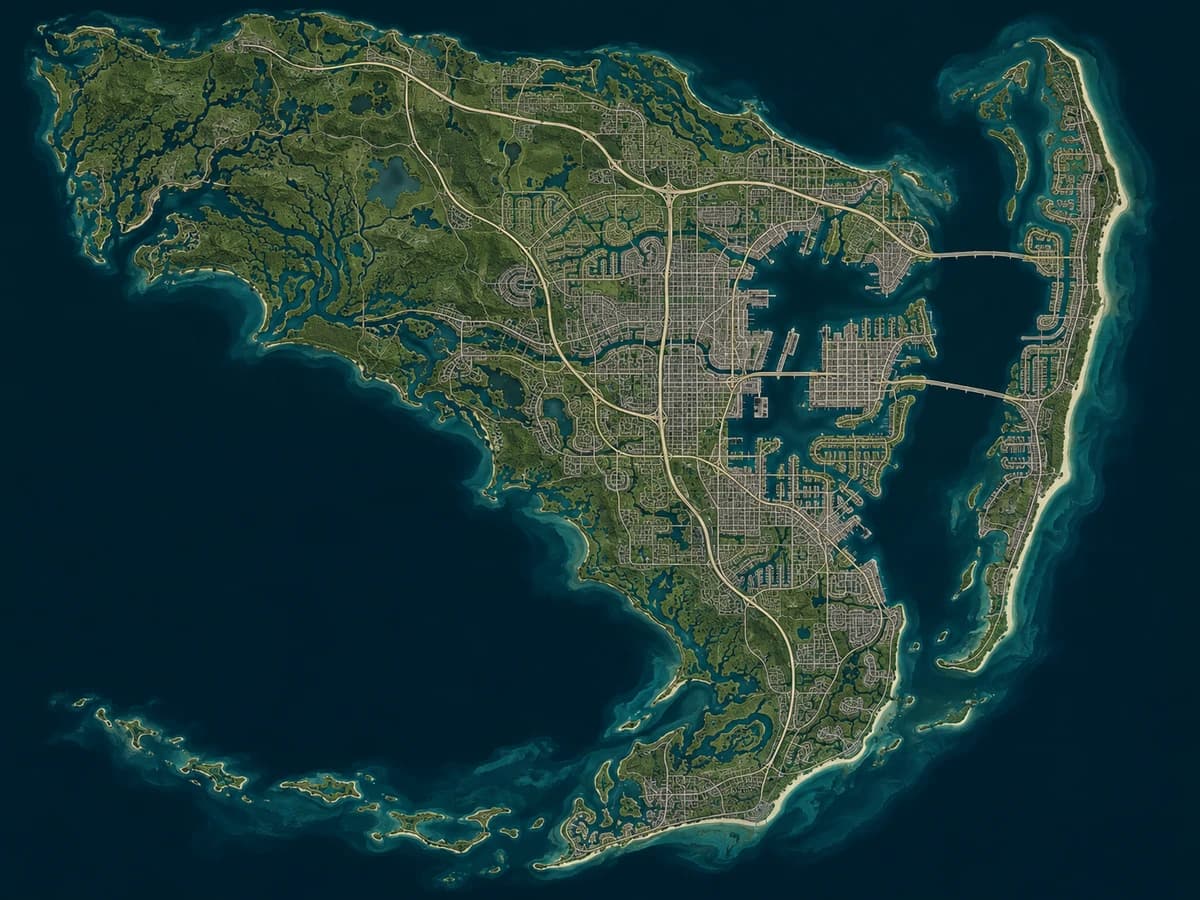
Practice sorting pins, saving discoveries, and keeping a second-screen checklist with an example collectible.
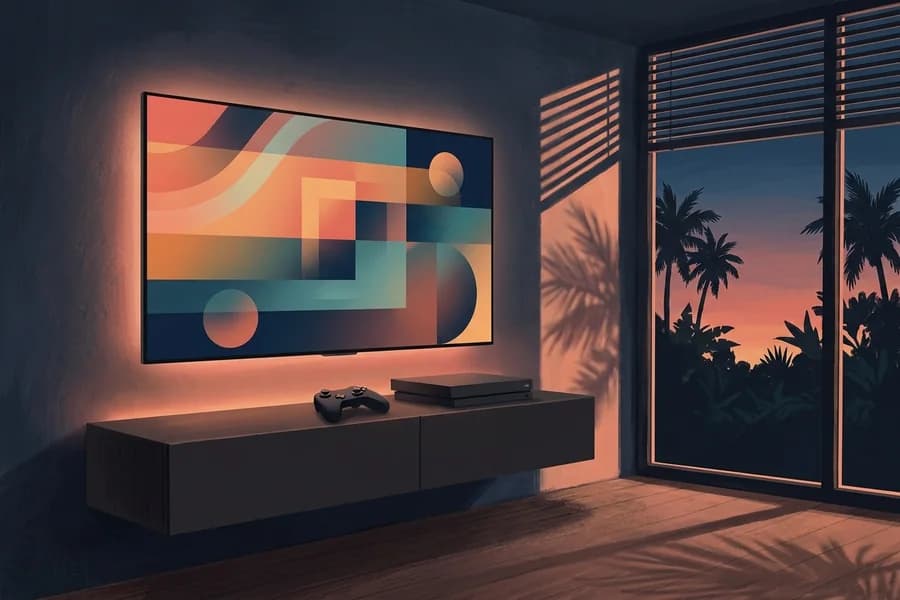
Check the HDMI signal, calibrate HDR, and confirm which settings your TV and console support.
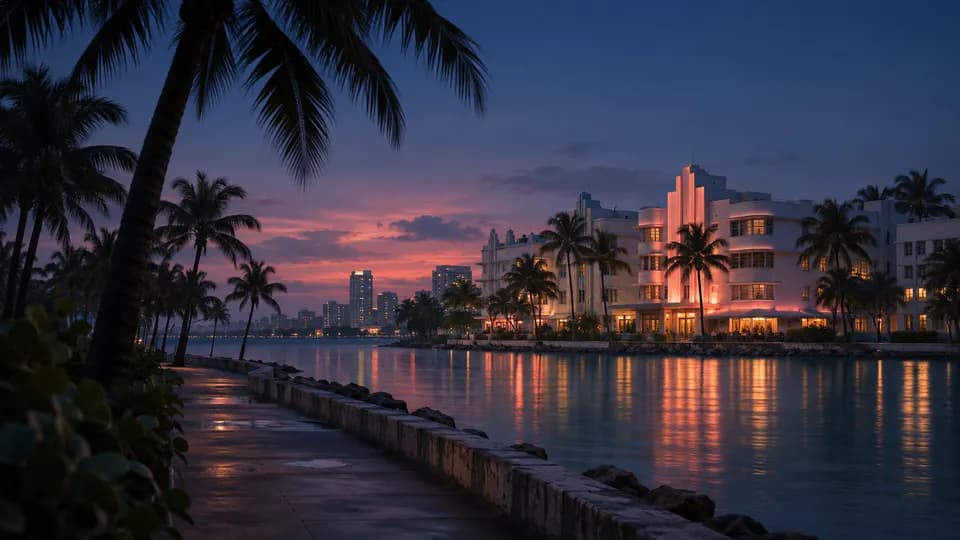
Keep story goals and explored locations in one place using the player dashboard and demo map.
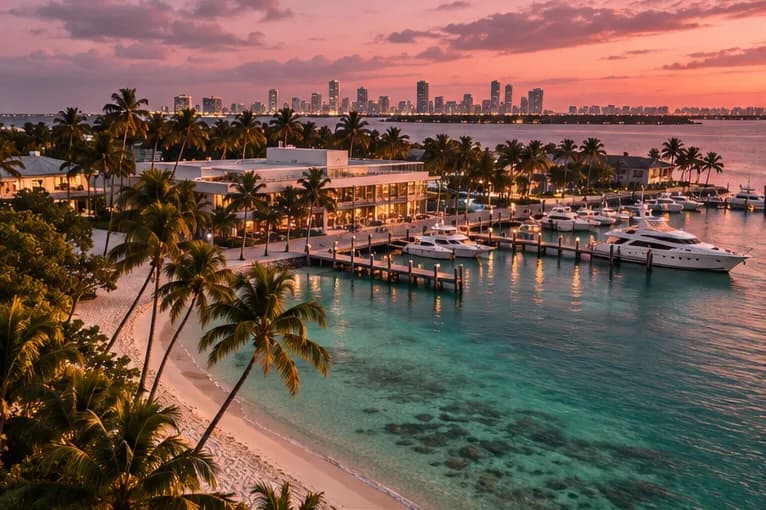
A spoiler-light orientation for Vice City and the wider state, with links to Rockstar’s own descriptions.